
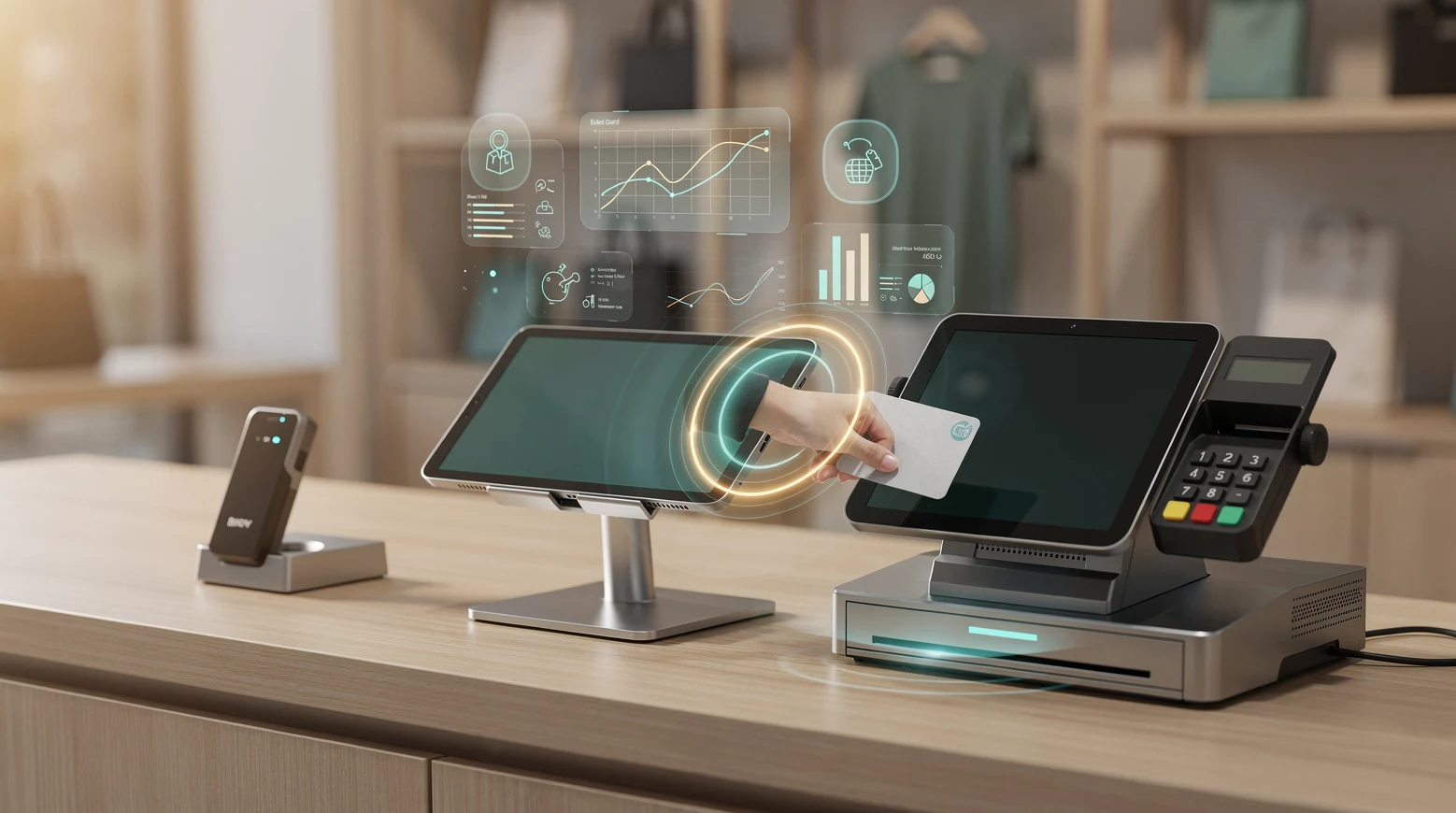
For a small or midsize retailer in 2026, the point-of-sale system is no longer just a cash drawer with a screen attached. It is the operational core that connects in-store checkout, online orders, inventory, customer data, staff management and payment settlement. Square, Shopify POS and Clover are the three names that dominate the shortlist for US small and midsize business (SMB) retail, and each one solves the same problem from a very different starting point. Square grew out of mobile card acceptance, Shopify POS grew out of e-commerce, and Clover grew out of the merchant-acquiring and bank-referral world. Those origins still shape how the platforms behave, what they cost over three years, and which kind of retailer each one fits.
In short
- Square is the fastest to set up and the most predictable on cost, making it the default for cafes, single-location shops and service-plus-retail businesses that want flat-rate pricing and no contract.
- Shopify POS is the strongest choice for retailers who sell online and in person from one catalog, because inventory, orders and customer profiles stay unified across both channels by default.
- Clover offers the widest hardware range and the deepest app marketplace, but pricing and processing terms vary by reseller, so the same device can cost very different amounts depending on who sold it.
- The real decision is not which app looks best, it is total cost of ownership over three years, processor lock-in, and how well the system handles your specific channel mix and ticket size.
- Most SMB retailers should shortlist on channel fit first (online weight, number of locations, catalog size), then compare effective processing rates on their actual average ticket, not the headline rate.
Why POS choice is a strategic decision for SMB retail in 2026
A decade ago, choosing a register meant choosing hardware. Today it means choosing a software ecosystem, a payments processor and a data model all at once. The POS now owns the single most valuable asset a small retailer has, which is the unified record of what sold, to whom, through which channel, at what margin. Switching later is painful because catalog data, customer history and reporting baselines do not migrate cleanly between platforms.
That stickiness is exactly why the upfront decision matters more than the monthly fee suggests. A retailer who picks the wrong channel model pays for it in duplicated inventory work, reconciliation headaches and missed online sales, not in the subscription line. The cost of a mismatch shows up in staff hours and lost orders, which rarely appear on the invoice.
The 2026 context adds three pressures. First, omnichannel is now the baseline expectation rather than a premium feature, so buy-online-pickup-in-store and ship-from-store need to work out of the box. Second, payment economics are under scrutiny as interchange and processing margins face regulatory and competitive pressure, which makes effective rates the number to watch. Third, embedded financing, loyalty and staff scheduling are increasingly bundled into the POS, so the platform decision quietly becomes a decision about half a dozen other tools too.
For a deeper view of how the broader category is evolving, our guide to modern POS systems for retail covers the feature checklist that applies regardless of vendor. This comparison narrows that down to the three platforms most US SMB retailers actually weigh against each other.
Key terms worth knowing before you compare
POS pricing is full of language designed to make comparison harder, so a few definitions make the rest of this guide easier to act on. Knowing these terms lets a buyer cut through a sales pitch and reduce every offer to the same handful of numbers.
Effective rate is the single percentage you actually pay once every fee is included, calculated as total monthly processing cost divided by total card volume. It is the only number that allows a fair comparison between flat-rate and interchange-plus quotes. Interchange-plus pricing passes through the card network’s interchange fee and adds a fixed markup, which is transparent but variable. Flat-rate pricing, used by Square, blends everything into one advertised percentage, which is predictable but can be higher on large tickets.
Processor lock-in describes whether you are free to move your payment processing elsewhere or are tied to the platform’s own rails. Total cost of ownership, usually measured over three years, combines hardware, software subscriptions, processing fees and add-on apps into one figure. Omnichannel means online and in-store operate from one shared inventory, catalog and customer record rather than two disconnected systems that have to be reconciled by hand.
One more distinction matters for retailers with seasonal or event-driven sales. Pay-as-you-go models, like Square’s free tier, charge nothing monthly and only take a cut per transaction, which suits irregular volume. Subscription models charge a fixed monthly fee that lowers the per-transaction rate, which rewards steady high volume. Matching the billing model to your sales rhythm is a quiet but real saving.
How Square, Shopify POS and Clover actually differ
The cleanest way to understand these three is by what they were built to do first, because each still leads with that strength. Square was built to let anyone accept a card payment in minutes, so onboarding and flat pricing are its core. Shopify POS was built as the physical extension of an online store, so catalog and channel unification are its core. Clover was built and distributed through banks and merchant acquirers, so hardware breadth and processor flexibility are its core.
Those differences are not marketing positioning, they are structural. They determine how each platform handles inventory sync, how processing is priced, and how locked-in a merchant becomes. The table below maps the practical distinctions a retailer feels day to day.
| Dimension | Square | Shopify POS | Clover |
|---|---|---|---|
| Origin | Mobile card acceptance | E-commerce platform | Bank and acquirer hardware |
| Best for | Single location, service plus retail, fast setup | Online-first and omnichannel retail | Hardware-heavy, restaurant and multi-station retail |
| Processor | Square only (locked) | Shopify Payments or third party (US) | Varies by reseller, sometimes flexible |
| Online store | Included, basic to mid | Best in class, native | Add-on, weaker |
| Hardware range | Narrow, polished | Narrow, polished | Widest, from mobile to full stations |
| App marketplace | Moderate | Large (Shopify app store) | Large, hardware-focused |
| Contract | None, pay as you go | None on POS, monthly plan | Often 1 to 3 years via reseller |
| Pricing clarity | High, public flat rate | High, public tiers | Low, depends on who sold it |
The single most important row for most buyers is processor lock-in. Square ties payment processing to its own rails, which is simple but removes negotiating leverage. Shopify steers merchants toward Shopify Payments but allows third-party processors in the US at the cost of an extra transaction fee. Clover, because it is sold through many acquirers, can sometimes be paired with a competitive processing rate, but only if the merchant shops around rather than taking the first quote.
Pricing and total cost of ownership compared
Headline rates hide the real number. What matters is the effective rate a retailer actually pays once hardware, software subscriptions, per-transaction fees and add-on apps are combined, measured against average ticket size. A flat 2.6% sounds higher than an interchange-plus quote of “0.15% plus a few cents,” yet on small tickets the flat model can work out cheaper because the fixed per-transaction component dominates.
The table below uses publicly listed US in-person card rates and typical configurations as of 2026. Exact numbers shift with promotions and reseller terms, especially for Clover, so treat these as planning anchors rather than quotes.
| Cost element | Square | Shopify POS | Clover |
|---|---|---|---|
| In-person card rate | ~2.6% + 10 cents | ~2.7% + 0 cents (POS Pro) | ~2.3% to 2.6% + 10 cents (varies) |
| Monthly software | $0 free tier, ~$60 plus per location for Plus | $89 POS Pro per location, on top of plan | ~$15 to $90+ per plan, reseller set |
| Entry hardware | Free reader, ~$299 Terminal, ~$799 Register | Tap and chip reader ~$49, stand kits ~$149+ | ~$799 to $1,799+ stations |
| Contract | None | None on hardware, annual plan saves | Often multi-year, early exit fees possible |
| Third-party processing | Not allowed | Allowed, extra 0.5% to 1% fee | Sometimes allowed by reseller |
| Best fit ticket size | Low to mid tickets | Mid tickets with online mix | Mid to high volume, higher tickets |
How to calculate your own effective rate
Take your last full month of card sales and divide total processing fees by total card volume. That single percentage is your true cost, and it is the only fair way to compare quotes. A retailer with a $12 average ticket pays proportionally more in fixed per-transaction cents than one with an $80 ticket, which is why ticket size belongs at the center of the math.
Then layer in software and hardware amortized over three years. A “free” POS that locks you into a higher processing rate often costs more than a paid plan with a lower rate once annual volume crosses a threshold. The crossover point is usually somewhere between $150,000 and $400,000 in annual card volume, depending on ticket size and the specific quotes.
How each system works in practice on the shop floor
Specs do not capture the daily feel of a register, so it is worth walking through how each platform behaves during a normal trading day. The differences are most visible in three moments: onboarding, a busy checkout rush, and end-of-day reconciliation.
Square on the floor
Square is the system a new employee can run with almost no training. The interface is clean, the tap-to-pay flow is fast, and the same login works across the register, a phone and the back-office reporting. For a single-location shop or a business that mixes retail with services like a salon or a studio, this simplicity is the entire value proposition.
The trade-off appears as the business grows. Multi-location inventory, advanced purchase orders and deeper reporting sit behind paid tiers, and the online store, while capable, is not a substitute for a full e-commerce platform once catalog and content needs grow. Square is excellent until you outgrow it, and the outgrowing tends to be about channel depth rather than checkout speed.
Shopify POS on the floor
Shopify POS feels like the physical arm of an online store, because that is exactly what it is. A product added online appears in store instantly, stock decrements from one shared pool, and a customer who bought online last month shows up with full history at the counter. For a brand that sells across both channels, this unification removes an entire category of reconciliation work.
The cost is that Shopify POS is most valuable when the online store is central. A purely in-store retailer with no e-commerce ambition pays for capability it will not use, and the POS Pro fee per location adds up across a fleet. The platform shines for omnichannel and feels heavy for single-channel brick and mortar.
Clover on the floor
Clover offers the most physical hardware choice, from a handheld Flex to a full Clover Station with a customer-facing display. That range makes it a favorite for restaurants and for retailers who want a specific counter footprint or multiple stations. The app marketplace lets a merchant bolt on loyalty, scheduling and vertical-specific tools.
The complication is distribution. Because Clover is sold through banks and independent sales organizations, two merchants with identical hardware can have very different rates, contracts and support quality. The platform is powerful, but buyers have to negotiate as if buying a car, and the post-sale support depends heavily on which reseller they signed with.
Common mistakes when choosing an SMB POS and how to avoid them
Most regret in POS selection traces back to a small number of avoidable errors. They are easy to spot in advance and expensive to fix afterward, because switching systems mid-stream means migrating data and retraining staff at the same time.
Anchoring on the headline rate instead of the effective rate
A 2.3% advertised rate can cost more than a 2.6% rate once monthly fees, fixed per-transaction cents and add-on charges are included. Always reduce every quote to one effective percentage on your real volume and ticket size. The vendor that wins on the brochure frequently loses on the spreadsheet.
Ignoring processor lock-in
Square’s closed processing is fine until a merchant wants to negotiate or move volume, at which point there is no lever to pull. Clover’s reseller model can lock a merchant into a multi-year contract with early termination fees buried in the agreement. Read the processing terms before the feature list, because the rails are harder to change than the apps.
Buying for today’s channel mix, not next year’s
A retailer planning to launch online within a year should weight that heavily now, because migrating a catalog and customer base later is the costliest move of all. Choosing a single-channel system and bolting e-commerce on afterward usually produces two disconnected inventories. It is cheaper to pick the omnichannel-ready platform from the start than to unify two systems later.
Underestimating hardware and support
Hardware that looks cheap upfront can carry replacement, accessory and warranty costs that change the three-year math. Equally, support quality varies enormously, especially in the reseller-driven Clover channel. A working understanding of the wider toolkit, covered in our overview of card network tools and vendors, helps a buyer see where the POS sits inside the larger payments stack.
Examples from US retail and e-commerce
The clearest way to make the trade-offs concrete is to look at the kind of retailer each platform tends to win. These are composite profiles drawn from common US SMB patterns rather than named businesses, but they map closely to how the platforms get adopted.
The single-location specialty shop
A coffee roaster with one storefront and a small wholesale side tends to land on Square. The free tier covers the early days, the flat rate is predictable on small tickets, and the staff can be trained in an afternoon. When the roaster adds a modest online store for bean subscriptions, Square’s built-in commerce is enough without a platform migration.
The omnichannel apparel brand
An apparel label that started online and opened two physical stores almost always runs Shopify POS, because the brand already lives on Shopify. Inventory flows from one catalog, online and in-store customer profiles merge, and ship-from-store works without custom integration. The per-location POS Pro fee is justified by the operational unification across channels.
The multi-station and food-adjacent retailer
A garden center with a cafe, several checkout stations and seasonal staff frequently chooses Clover. The hardware range fits the physical footprint, the app marketplace covers both retail and food service, and a local reseller provides hands-on support. The merchant accepts pricing complexity in exchange for hardware flexibility and a single system across mixed use cases.
These patterns are not rules, and plenty of merchants succeed against type. The point is that channel structure, ticket size and hardware needs predict fit better than feature checklists do. Founders weighing these decisions early can find more operational playbooks in our collection of founder stories and SMB tools.
Hardware, payments and the ecosystem worth knowing
The POS decision pulls several other choices along with it, and a buyer who understands the surrounding ecosystem makes a better call. Payment processing, hardware, the app marketplace and integration with accounting and loyalty all sit downstream of the platform pick.
On payments, the headline split is closed versus open. Square is closed and simple, Shopify is steered but open with a fee, and Clover is open but inconsistent. Each vendor publishes its own current terms, and it is worth checking the official pages directly: Square at squareup.com, Shopify’s retail offering at shopify.com/pos, and Clover at its own site. Rates and promotions change often enough that any comparison should be re-checked against the source before signing.
On hardware, the practical question is footprint and durability. Square and Shopify offer a tight, well-designed range that suits most counters, while Clover offers more shapes for retailers with specific physical needs. On the software side, the app marketplace matters most for retailers who need vertical tools like appointment booking, advanced loyalty or specialized inventory, where Shopify and Clover both have deep ecosystems.
For a side-by-side that includes a fourth contender and more on hardware tiers, our piece on choosing a retail POS in 2026 extends this analysis. Read together, the two give a full picture of the in-store technology decision.
How to choose: a practical decision framework
The fastest route to a confident decision is to answer four questions in order, because each one narrows the field before cost even enters the picture. Channel mix and location count usually decide the platform before price does.
First, how central is online selling? If e-commerce is or will be a core channel, Shopify POS starts ahead. Second, how many locations and how complex is the catalog? Multi-location and large catalogs favor Shopify or Clover over Square’s simpler model. Third, how important is hardware flexibility and in-person volume? Heavy in-person operations with specific footprints lean Clover. Fourth, only now, what is the effective three-year cost on your real volume?
Running the questions in that sequence prevents the most common failure, which is letting a low headline rate override a poor channel fit. A cheap platform that fights your business model is expensive in disguise. A slightly pricier platform that matches your channels pays for itself in saved hours and captured sales.
For most US SMB retailers the shortlist resolves cleanly: online-led brands pick Shopify POS, simple single-location shops pick Square, and hardware-heavy or food-adjacent operations pick Clover. The exceptions are real but rarer than the marketing suggests, and they usually involve an unusual channel mix or a strong existing banking relationship.
It also helps to set a review cadence rather than treating the decision as permanent. Processing rates, monthly volume and channel mix all drift over a year, and a platform that fit at launch can drift out of fit as the business scales. A quick annual recalculation of the effective rate, plus a check on whether a new channel has become material, keeps the choice honest without forcing a disruptive switch every time a promotion lands.
Finally, weigh the cost of staying still against the cost of moving. The friction of migration is real, but so is the slow drain of an ill-fitting system that adds reconciliation work or caps online growth. The right time to switch is when the recurring operational cost of the mismatch clearly exceeds the one-time cost of migration, and tracking the effective rate and staff-hour overhead is what makes that threshold visible.
FAQ
Which is cheapest for a small retailer: Square, Shopify POS or Clover?
It depends entirely on your average ticket and annual volume. Square’s free tier and flat rate are cheapest for low-volume, low-ticket shops, while Clover can be cheaper at higher volume if you negotiate a strong processing rate. The only reliable answer comes from calculating the effective rate on your own sales rather than comparing headline numbers.
Can I use my own payment processor with these systems?
Square requires its own processing with no alternative. Shopify allows third-party processors in the US but adds a transaction fee on top, which usually makes Shopify Payments the cheaper path. Clover can sometimes be paired with a competitive processor because it is sold through many acquirers, but this varies by reseller and contract.
Is Shopify POS worth it if I do not sell online?
Usually not. Shopify POS earns its keep through online and in-store unification, so a purely in-store retailer pays for capability it will not use. If you have no e-commerce plans within a year or two, Square or Clover will likely fit better and cost less.
Why do Clover prices vary so much?
Clover is distributed through banks and independent sales organizations rather than sold directly, so each reseller sets its own rates, contracts and support terms. Two merchants with identical hardware can pay very different amounts. Always gather at least two or three Clover quotes and read the contract length and early termination clauses carefully.
How hard is it to switch POS systems later?
Harder than it looks. Catalog data, customer history and reporting baselines do not migrate cleanly between platforms, and staff need retraining. This stickiness is why the upfront channel-fit decision matters more than the monthly fee, and why most retailers should choose for where the business is heading, not just where it is today.
Do these systems handle buy-online-pickup-in-store?
Shopify POS handles it natively and reliably because online and in-store share one inventory and order system. Square supports basic pickup through its commerce tools, suitable for simpler needs. Clover can do it with the right apps, but the experience depends on the configuration and the reseller, so verify it before committing.
Which system is easiest to set up and train staff on?
Square is the clear leader on simplicity. A new employee can run the register with minimal training, and setup takes minutes rather than days. Shopify POS is straightforward for anyone already using Shopify, while Clover’s hardware range and reseller setup can make initial configuration more involved.
What is the most important factor when comparing the three?
Channel fit first, then effective three-year cost. Decide how much of your business is online versus in person and how many locations you run, because that narrows the choice before price matters. Only after the platform fits your channel structure should you compare the true effective processing rate on your real volume.