
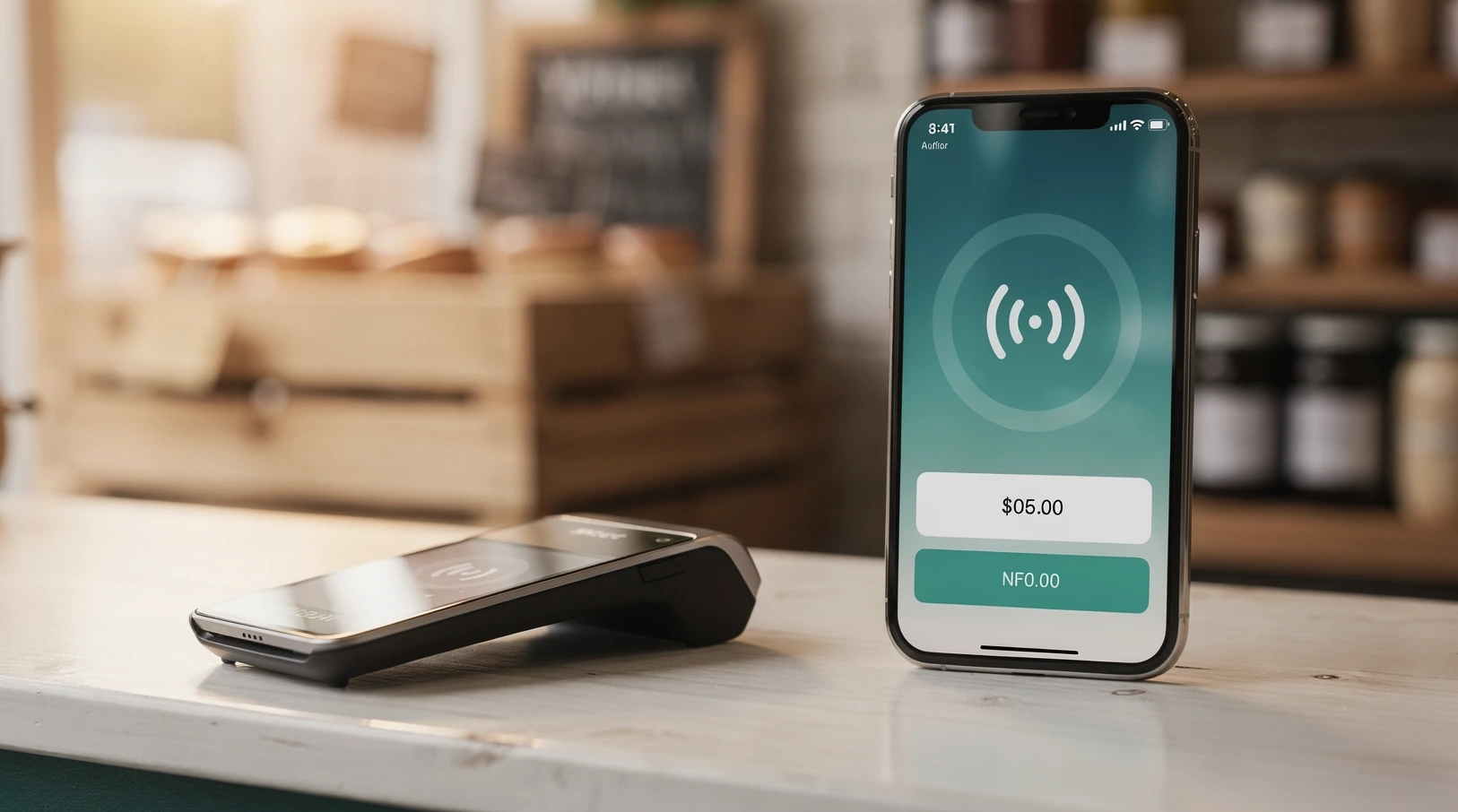
Pop-up retail has become a real channel, not a novelty. A weekend market stall, a holiday kiosk in a mall, a brand activation in a rented storefront, or a food truck parked outside an office: all of them need to take a card in seconds, without a cash register bolted to a counter. Mobile point of sale, or mobile POS, is the technology that makes that possible, and in 2026 it is cheap enough that the math finally works even for a seller doing a few hundred dollars a day.
This guide puts mobile POS for pop-ups and small retailers in plain numbers. We cover what the hardware actually costs, what each swipe or tap really takes out of your revenue, how the leading US providers compare, and where small sellers lose money without noticing. The goal is a working playbook you can use to pick a setup this week, not a glossary of buzzwords.
In short
- Mobile POS turns a phone or tablet into a full checkout, so a pop-up can accept cards, contactless, and digital wallets without a fixed terminal or a merchant bank relationship.
- Entry hardware runs from $0 to about $99 for a card reader, while an all-in-one handheld device sits around $299 to $399. Tap to Pay on an existing phone can cost nothing upfront.
- Per-transaction fees cluster around 2.5% to 2.9% plus a fixed cent charge for in-person cards, so a $40 sale typically costs you roughly $1.00 to $1.25 in processing.
- Flat-rate pricing wins for low and spiky volume, which is exactly the pop-up profile. Interchange-plus only pays off once you are past roughly $15,000 to $25,000 a month in consistent card volume.
- The hidden costs are chargebacks, offline gaps, and instant-payout fees, not the headline rate. Budget for connectivity and cash-flow timing before you obsess over 0.1% on the rate card.
Why mobile POS matters for pop-ups in 2026
Cash use at US retail keeps falling, and shoppers now expect to tap a card or phone even at a card table under a tent. A seller who can only take cash is turning away a large share of impulse buyers who simply do not carry bills anymore. For a pop-up, a missed sale is not recoverable later because the customer walks on and the stall is gone tomorrow.
The economics have also flipped in the seller’s favor. Contactless acceptance that once required a leased terminal and a multi-year merchant contract now ships as a free app plus a reader that costs less than a restaurant dinner. That shift is part of the broader story of how retail payments are changing across cards, BNPL and crypto, where the barrier to accepting money has collapsed for the smallest merchants.
Speed matters at a pop-up in a way it does not in a fixed store. Lines form fast at a market stall, and a checkout that takes 20 seconds instead of 5 costs you real sales during a rush. Modern mobile POS closes that gap with tap acceptance, saved carts, and one-tap tipping or receipts.
There is a data upside too. Even a two-day event now generates a clean record of what sold, at what hour, and by which payment type. That turns a chaotic weekend into inventory and pricing intelligence you can carry into the next event.
Key terms and definitions
The mobile POS category is full of overlapping labels, and vendors use them loosely. Here are the ones that actually change what you buy and what you pay.
Mobile POS, mPOS, and SoftPOS
Mobile POS is any checkout that runs on a portable device rather than a fixed register. mPOS usually means a smartphone or tablet paired with a small card reader over Bluetooth. SoftPOS, marketed as Tap to Pay, removes the reader entirely and uses the phone’s own NFC chip to accept contactless cards and wallets.
Flat-rate versus interchange-plus pricing
Flat-rate pricing charges one blended percentage plus a fixed fee on every card, no matter the card type. Interchange-plus passes through the card network’s wholesale cost and adds a fixed markup, which is cheaper at scale but harder to predict. Nearly every pop-up should start on flat-rate because volume is low and lumpy.
Payout timing and instant deposit
Payout timing is when the money actually lands in your bank account, typically one to two business days on standard plans. Instant deposit moves it in minutes for an added fee, often around 1% to 1.75% of the transferred amount. For a cash-hungry pop-up buying stock between events, that fee can quietly become one of your largest costs.
Chargebacks and card-not-present
A chargeback is a customer-disputed transaction the bank claws back, sometimes with a fixed dispute fee attached. Card-not-present covers any sale where the card is keyed in rather than tapped or dipped, which carries higher fees and higher fraud risk. Keyed sales should be the exception at a physical pop-up, not the norm.
Mobile POS in plain numbers
Here is the part every guide dances around. The three costs that matter are the hardware you buy once, the percentage taken from each sale, and the software fee you may pay monthly. Everything else is secondary.
The table below shows representative published US rates for in-person card acceptance in early to mid 2026. Rates and device prices change often and vary by plan, so treat these as a planning baseline and confirm the current rate card before you commit.
| Provider | In-person card rate | Entry reader cost | Handheld device | Monthly software |
|---|---|---|---|---|
| Square | 2.6% + 10¢ | $0 (magstripe) / $49 contactless | Terminal ~$299 | $0 (free tier) |
| PayPal Zettle | 2.29% + 9¢ | ~$29 first reader | Zettle Terminal ~$199 | $0 |
| SumUp | 2.6% + 10¢ | ~$39 (Air reader) | Solo ~$99 | $0 (Plus tier optional) |
| Shopify POS | 2.6% + 10¢ | ~$49 tap and chip | POS Go ~$399 | From ~$89 (Retail plan) |
| Clover Go | ~2.6% + 10¢ | ~$49 to $99 | Flex ~$499 | From ~$14.95 |
| Stripe Terminal | 2.7% + 5¢ | ~$59 (WisePad 3) | Reader S700 ~$349 | $0 base |
Read that table with the pop-up profile in mind. A magstripe-only reader is a false economy in 2026 because most shoppers expect to tap, so budget for a contactless-capable reader even if a free one is offered. The device you carry should accept tap, chip, and phone wallets in one motion.
What a single sale actually costs you
Percentages feel abstract, so convert them into dollars per basket. On a 2.6% plus 10 cent rate, a $10 sale costs 36 cents, a $40 sale costs about $1.14, and a $100 sale costs $2.70. The fixed cent charge hurts most on small baskets, which is why sellers with many tiny transactions should watch the flat fee, not just the percentage.
The next table models a typical pop-up weekend at that same 2.6% plus 10 cent rate, so you can see the total bite before you set prices.
| Weekend card sales | Number of transactions | Percentage fees | Fixed cent fees | Total processing cost |
|---|---|---|---|---|
| $500 | 25 | $13.00 | $2.50 | $15.50 |
| $1,500 | 60 | $39.00 | $6.00 | $45.00 |
| $3,000 | 110 | $78.00 | $11.00 | $89.00 |
| $6,000 | 200 | $156.00 | $20.00 | $176.00 |
At $3,000 for a weekend, processing costs you roughly $89, or just under 3% all in. That is your true cost of card acceptance, and it belongs in your margin math before the event, not as a surprise on the payout statement. Sellers who price as if cards are free quietly give away two to three points of margin on every basket.
How mobile POS works in practice
Setting up is genuinely fast now, but the details decide whether a rush goes smoothly. Here is the realistic sequence for a first-time pop-up seller.
You download the provider app, create a merchant account with your business details and bank account, and pair the reader over Bluetooth. Approval is often instant or same-day for a low-volume seller, though the provider may hold or review larger early transactions. Build your item catalog with prices and any tax settings before the event so checkout is a tap, not a typing exercise.
Connectivity and the offline question
The single biggest field risk is connectivity. Market venues and mall corridors are notorious dead zones, and a checkout that needs live internet will stall exactly when the line is longest. Bring a mobile hotspot or a phone with a strong data plan, and confirm the venue’s signal before you rely on its guest WiFi.
Some platforms offer an offline mode that stores tapped transactions and processes them once you reconnect. This keeps the line moving, but it carries risk because a card can decline after the fact, and you have already handed over the goods. Treat offline mode as a short bridge for outages, not a normal operating mode, and cap the value you accept offline.
Receipts, tips, and returns
Digital receipts by text or email are standard and cost nothing, which also quietly builds a customer contact list if you ask permission. Tipping prompts can lift revenue at food and service pop-ups but annoy shoppers at a product stall, so match the setting to the context. Decide your return and refund policy before you open, because processing a refund through mobile POS is easy but recovering the original percentage fee often is not.
Common mistakes and how to avoid them
Most of the money small sellers lose on mobile POS comes from a handful of avoidable errors. None of them are about picking the wrong brand.
The first is over-optimizing the rate. Chasing a provider that is 0.1% cheaper while ignoring instant-payout fees, hardware lock-in, or a clunky app is a bad trade. On $3,000 a weekend, 0.1% is $3, while a single instant deposit fee can be $30 or more.
The second is keying cards by hand. Manual card-not-present entry costs more per transaction and invites fraud and chargebacks. If a tap or chip fails, try the customer’s phone wallet before you key the number.
The third is ignoring connectivity until it fails. A dead venue signal on a busy Saturday can cost more in lost sales than a month of processing fees. The fix is cheap: a dedicated hotspot and a signal check during setup.
The fourth is treating tax and reporting as an afterthought. Configure sales tax correctly per location, because pop-ups often cross city or state tax lines, and reconcile payouts against sales weekly. Sellers who skip this face a painful cleanup at tax time and can miss skimmed fees or missing deposits.
The fifth mistake is scoping the tool too narrowly. If your pop-up is an extension of an online store, your in-person system should sync inventory and customers with your website rather than living as an island. That is a decision about how you integrate POS with your e-commerce stack, and getting it wrong means double-entry and mismatched stock counts.
Examples from US retail and e-commerce
The pattern repeats across categories, and the numbers scale with basket size and volume rather than with brand.
A jewelry maker doing weekend craft fairs typically runs a phone plus a $49 contactless reader, sells baskets around $35 to $60, and pays close to 3% all in. For this seller the fixed cent fee barely registers because baskets are large, so the headline percentage is what matters. Flat-rate pricing is clearly correct here given the seasonal, lumpy volume.
A coffee cart, by contrast, lives on small fast baskets around $5 to $8, so the fixed 10 cent charge is proportionally heavy. That seller benefits from a provider with a lower fixed fee or a hardware setup that speeds up the line, because throughput per hour drives the whole business. Tap to Pay on the phone can eliminate the reader entirely at that scale.
A clothing brand running a holiday pop-up inside a mall usually needs more: a handheld device, barcode scanning, and live inventory sync back to the warehouse. This is where a pop-up starts to resemble a real store, and the in-store hardware conversation broadens beyond the card reader into in-store tech beyond POS such as scanners, scales, kiosks and screens. The right answer depends on how permanent the pop-up really is.
A food truck sits somewhere in between, with fast baskets around $12 to $18 and the added constraint of moving between locations that each have different signal quality and tax rates. That seller wants a rugged handheld with strong battery life, a reliable hotspot, and per-location tax settings saved in advance, because a truck cannot afford a stalled line at a lunch rush. The processing math is favorable at that basket size, so the operational details, connectivity, battery, and speed, decide the winner more than a fraction of a percent on the rate.
Small brands that graduate from pop-ups to steady in-person volume often add a BNPL option at checkout to lift average order value on higher-ticket items, which mirrors the broader shift toward how pay-in-4 and installment payments are evolving in US retail. And a D2C label testing physical retail through pop-ups is often really testing whether to commit to stores or wholesale, a question we cover in when to add wholesale to a D2C brand and how to do it well.
Tools, partners and vendors worth knowing
You do not need to evaluate every provider. For a US pop-up, the practical shortlist comes down to a few clear profiles, and the right pick follows your basket size and how tied you are to an existing online store.
Square remains the default for a general small retailer because the free tier, cheap readers, and simple app cover most weekend sellers with no monthly cost. PayPal Zettle and SumUp compete hard on the entry reader price and a slightly different fee structure, which can favor sellers with many small baskets. Shopify POS is the obvious choice if you already run a Shopify store, because inventory and customers sync automatically and the pop-up becomes a true second channel.
Clover and Stripe Terminal sit a step up in flexibility and integration depth, which suits sellers building a custom setup or a developer-led checkout. The trade-off is more configuration and, for Clover, potential hardware lock-in. The direction of travel across all of them is toward accepting more payment types at the edge, including phone wallets and, increasingly, the account-to-account and merchant-controlled flows shaping how agentic and merchant-controlled checkout is developing for the next holiday season.
For the underlying context on contactless standards and how phone-based acceptance works, the public reference on point of sale systems is a useful primer, and the scale of US in-person versus online retail is tracked by the US Census Bureau retail sales data.
How to choose in one pass
Pick flat-rate pricing unless you are consistently past roughly $15,000 to $25,000 a month in card volume. Match your hardware to basket size: Tap to Pay or a cheap reader for tiny baskets, a handheld device for anything needing scanning or inventory. And if you sell online, weight integration above a fractional rate difference, because double data entry costs more than a tenth of a percent ever will.
Reading the fine print on fees
The headline rate is only the first line of the cost story, and for a small seller the fine print often matters more than the percentage. A few charges hide below the advertised number and quietly change your effective rate.
Watch for chargeback or dispute fees, which can run around $15 per disputed transaction on top of the reversed sale. At pop-up volumes a single dispute is rare, but a bad batch of returns or a fraud incident can erase a day’s margin. Keep tap and chip receipts and a clear refund policy so you can win the disputes you do get.
Instant-payout fees deserve a second mention because they are the most common surprise. Moving $2,000 to your bank in minutes at a 1.5% fee costs $30, and a seller who does that after every event pays more in payout fees over a season than in some months of processing. Use standard next-day payout as your default and reserve instant transfers for genuine cash crunches.
Some interchange-plus and legacy merchant accounts also add monthly minimums, statement fees, or PCI-compliance charges that flat-rate providers usually fold into the single rate. This is a strong reason for pop-ups to stay on transparent flat-rate pricing, where the number on the rate card is close to the number you actually pay. If a sales rep pitches you a lower percentage, ask for the all-in monthly cost at your real volume before you switch.
The effective-rate test
The only number that matters is your effective rate: total fees divided by total card sales over a real month. Add processing, any monthly software cost, payout fees, and dispute fees, then divide by your card volume. If a pop-up doing $10,000 a month pays $290 in all-in fees, the effective rate is 2.9%, and that single figure lets you compare any two providers honestly. Chase a lower effective rate, not a lower headline rate, and re-run the test each quarter as your volume grows.
FAQ
What does mobile POS cost for a small pop-up?
Plan for $0 to $99 in one-time hardware for a card reader, or around $299 to $399 for an all-in-one handheld. On top of that, expect roughly 2.5% to 2.9% plus a fixed cent charge per in-person card sale. Many providers have no monthly software fee at the entry tier.
Can I take card payments with just my phone and no reader?
Yes. Tap to Pay, also called SoftPOS, uses your phone’s built-in NFC chip to accept contactless cards and wallets with no extra hardware. It works well for low-ticket, high-speed selling, though a separate reader is still useful where customers present chip cards that cannot tap.
Which mobile POS is cheapest for a pop-up?
For most weekend sellers, providers with a free app tier and a low entry reader price, such as Square, PayPal Zettle, or SumUp, are cheapest overall. The best choice depends on your basket size, because a lower fixed cent fee matters more to a coffee cart than to a jewelry stall.
How fast do I get my money?
Standard payouts land in your bank account in about one to two business days. Instant deposit moves funds in minutes for an added fee, often around 1% to 1.75% of the amount transferred. For a pop-up buying stock between events, that instant fee can become one of your largest hidden costs.
Do I need internet at the market to take cards?
Effectively yes, because card authorization normally needs a live connection. Bring a mobile hotspot or a phone with strong data rather than relying on venue WiFi. Some apps offer an offline mode that stores taps and processes them later, but that carries decline risk, so use it only as a short bridge during outages.
When should I switch from flat-rate to interchange-plus pricing?
Flat-rate is right for low and spiky volume, which describes almost every pop-up. Interchange-plus tends to pay off only once you have steady card volume above roughly $15,000 to $25,000 a month. Below that, the predictability of flat-rate usually outweighs the small savings.
Is mobile POS secure enough for a small seller?
Yes. Reputable providers encrypt card data at the reader and are certified to card-industry security standards, so you never handle raw card numbers on tap or chip transactions. Your main risks are keyed card-not-present entry and chargebacks, both of which you reduce by taking taps and chips rather than typing numbers.
Can a pop-up mobile POS sync with my online store?
It can, and it should if you sell online. Platforms like Shopify POS sync inventory, customers, and sales with your website automatically, so a pop-up becomes a true second channel rather than a separate spreadsheet. If your provider does not sync, plan for reconciliation time after each event.
Do I have to charge sales tax at a pop-up?
In most cases yes, and the rate can change by city or state, which matters because pop-ups often cross tax lines. Configure the correct tax setting per location in your app before the event, and reconcile payouts against sales weekly so nothing slips before tax time.
Mobile POS has removed almost every old barrier to selling in person, which is why the pop-up and small-retail channel keeps growing. The winning approach is not to hunt for the absolute lowest rate but to match the tool to your basket size, plan for connectivity and payout timing, and fold the real 3% cost of card acceptance into your prices from the start. A seller who runs the effective-rate test each quarter, keeps a hotspot in the kit, and prices the 3% in from day one will rarely be surprised by a payout statement. Do that, and the numbers work in your favor at the very first event, which is exactly what the wider shift in retail payments across cards, BNPL and crypto has made possible for the smallest sellers.