
The most common opening day failure in a pop-up is not footfall. It is a card reader that cannot reach the internet, a queue of eight people, and a staff member hunting for a bar of signal near the fire exit. Temporary retail compresses every operational problem a permanent store has into a space you occupied for the first time yesterday, with a network you do not control and a landlord who has no reason to care.
That compression is why the technology question deserves planning time rather than a last-minute equipment order. A pop-up shop POS system has to do three things that a fixed store setup can take for granted: install in hours, survive a venue network built for guest browsing rather than payment traffic, and feed sales and stock data back into whatever system runs the rest of the business. Each of those requirements narrows the equipment list in a useful way.
This guide works through the kit itself: terminals, readers, connectivity, printing, offline behavior and inventory sync, plus the pre-opening test sequence that catches the failures worth catching. The emphasis throughout is on failure modes, because the difference between a smooth opening and a bad one is rarely the headline feature set. It is whether somebody tested the thing that broke.
In short
- Connectivity is the real risk, not the terminal. Venue wifi is shared, often captive-portal gated, and frequently unusable at peak. Plan for cellular as the primary path and wifi as the backup, not the reverse.
- Use the POS you already run if your main store is on Shopify, Square, Lightspeed or a similar platform. A second system means a manual stock reconciliation at the end of the run.
- Offline mode is a feature with limits. Most readers can queue contactless transactions when the network drops, but floor limits, authorization windows and chargeback liability change once the terminal is not talking to the acquirer in real time.
- Two readers minimum, on separate connectivity paths where possible. A single point of sale in a single-day activation is an unforced error, and a spare reader costs less than an hour of lost queue.
- Test on site, at the real time of day, with a real card and a real refund. A pre-opening run through the whole sequence takes about an hour and finds the problems that a desk test cannot.
What a pop-up actually needs to take payment
Strip the question back and a temporary space needs four capabilities: a way to identify what is being sold, a way to authorize a payment, a way to give the customer a record, and a way to get that transaction into the books. Everything else on an equipment list is convenience, redundancy or theater. Starting from those four keeps budgets honest.
The identification layer is where pop-ups diverge most from permanent retail. A fixed store has a scanner, a barcode on every item and a product catalog that has been cleaned over months. A two-week activation often sells 20 to 60 SKUs, some of them samples or limited runs that never got a barcode, which means tile-based selection on a tablet usually beats scanning. Building a simplified catalog with large, obvious buttons is faster at the till than forcing staff to search a 4,000 item database.
The authorization layer is the part customers notice. In practice that means contactless acceptance for the overwhelming majority of transactions, chip and PIN as a fallback for higher values or older cards, and a decision about whether to accept cash at all. Plenty of short activations now run cashless, which removes a float, a till and a banking trip, though it also excludes a slice of customers and is restricted or discouraged in some jurisdictions.
The minimum viable kit list
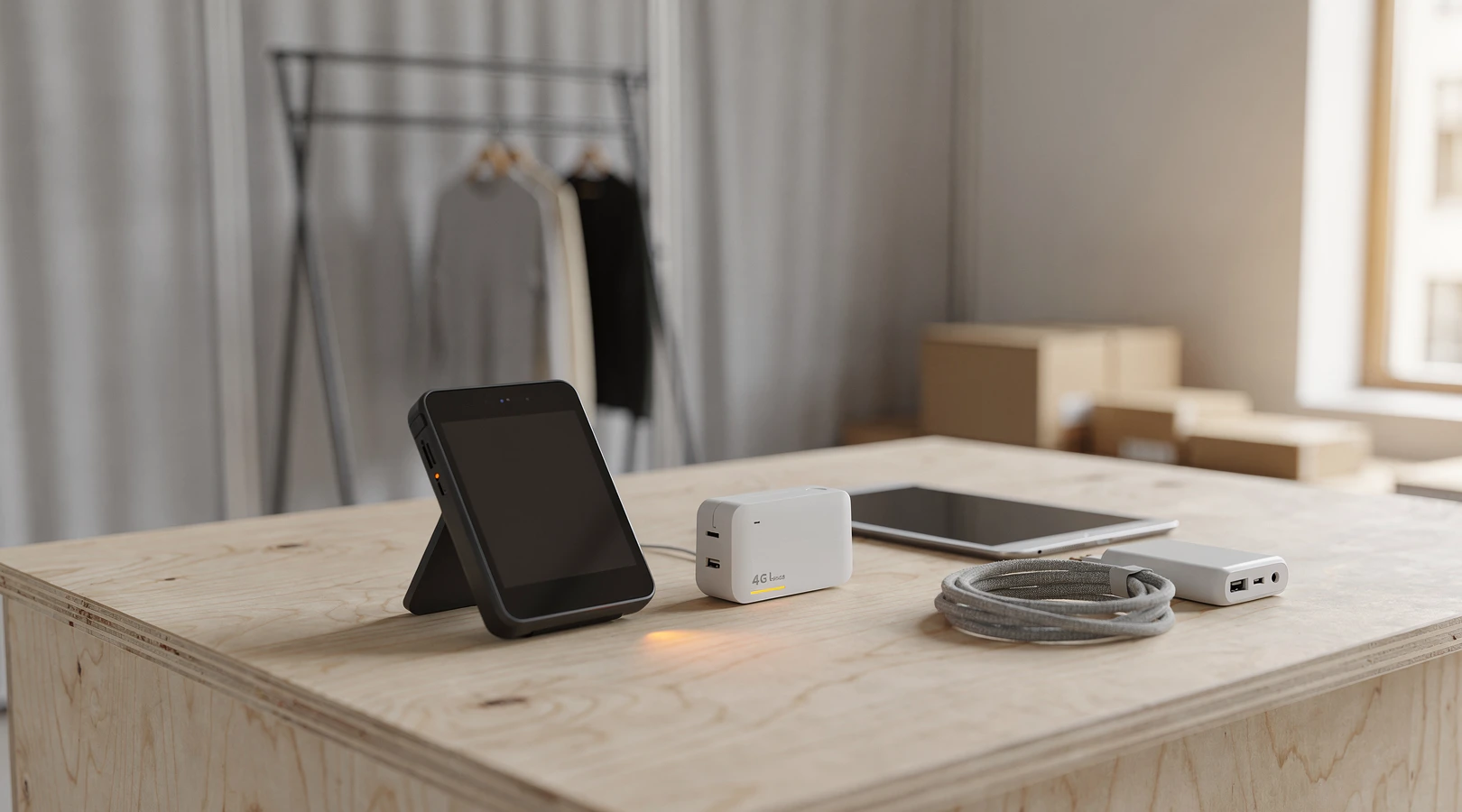
For a single-counter pop-up running one to four weeks, the equipment that earns its place is short. Two card readers, one tablet or terminal per reader, a portable cellular router, a battery pack sized for a full trading day, a receipt printer if you genuinely need paper, and a cash drawer only if you are taking cash. Mounting hardware and cable management matter more than people expect, because a reader that slides off the counter mid-transaction reads as amateur.
What does not earn its place in a short run: a full back-office workstation, a dedicated barcode scanner for a tiny catalog, a kitchen-grade label printer, and any device that needs a wired ethernet drop you have not personally confirmed exists. The appetite for gear tends to outrun the trading period. A good test is whether the item will be used on more than one day of the run.
Staffing shapes the kit too. A space with one person on shift needs a layout where payment, bagging and questions happen within arm’s reach, while a three-person activation can separate a greeting station from a payment station and move the queue faster. Working through the staffing and scheduling plan for a short-term team before you finalize the counter layout usually changes how many terminals you order.
POS choices that sync back to your main store
The single highest-leverage decision in the whole setup is whether the pop-up runs on the same platform as the rest of the business. If it does, product data, pricing, stock levels, customer records and reporting arrive without manual work. If it does not, somebody spends the week after the run reconciling two spreadsheets and guessing at which sales belonged to which channel.
For brands already on a mainstream commerce platform, the native retail app is usually the right answer even when a rival terminal looks better on paper. Shopify POS, Square, Lightspeed Retail, Clover and SumUp all offer tablet or handheld hardware that registers as an additional location in the existing account. That location flag is what makes pop-up reporting useful later, because it lets you compare the activation against online and permanent-store performance on the same revenue definition.
Where a separate system genuinely makes sense is in two cases. First, when the pop-up is a partnership and the host retailer requires sales to run through their own till, which is common in concession and shop-in-shop arrangements. Second, when the main platform has no usable retail app in the country you are trading in, which still happens outside the largest markets. In both cases, agree the data handover format before opening rather than after closing.
Comparing the realistic options
| Approach | Setup time | Stock sync | Best fit | Main drawback |
|---|---|---|---|---|
| Native POS app from your ecommerce platform | Hours, if the catalog is clean | Automatic, shared inventory | D2C brands with an existing online store | Hardware choice is limited to what the platform supports |
| Standalone mobile card reader plus manual catalog | Under an hour | None, manual export | Markets, one-day activations, tiny SKU counts | End-of-run reconciliation is manual and error prone |
| Full tablet POS from a dedicated vendor | One to three days | Via integration or API, varies | Multi-counter spaces, long runs, complex pricing | Contract length and monthly fees rarely suit short runs |
| Host retailer’s till (concession model) | Depends entirely on the host | Usually a periodic sales file | Department store and partner spaces | No customer data, slow and coarse reporting |
| Hybrid: host till for payment, own tablet for stock | Half a day | Manual but structured | Partnerships where you still need unit-level data | Double entry at the counter unless staff are disciplined |
One practical note on contracts. Several POS vendors price hardware cheaply and recover it through a 12 or 24 month software commitment, which is poor value for a three-week activation. Ask specifically about month-to-month terms and about whether the hardware can be reactivated for a future run, because brands that treat pop-ups as a repeatable channel will want the same kit again. That repeatability is part of what makes the format work as a brand growth lever rather than a one-off marketing stunt.
Connectivity: venue wifi, mobile data and backup
Here is the assumption worth discarding immediately: that the venue’s wifi will work. Temporary retail spaces sit in vacant units, mall corridors, event halls and railway concourses, and the network in those places was usually specified for guest browsing at low concurrency. Payment traffic is small in volume but intolerant of latency and packet loss, which is exactly the profile that a congested shared network handles worst.
There is also a configuration problem. Many venue networks sit behind a captive portal that requires a browser click-through, and a card reader has no browser. Others block outbound ports that payment applications need, or use client isolation that stops a reader pairing with a tablet on the same network. None of this is visible until you are standing in the space with the kit in your hands.
The practical answer is to treat cellular as the primary connection. A portable 4G or 5G router with a decent data plan creates a private network you control, which you then use for the POS tablets and readers exclusively. Venue wifi becomes the documented fallback, tested but not trusted, and the reader’s own built-in SIM (if it has one) becomes the second fallback.
What to check about the space before ordering anything
Signal strength inside the unit is not the same as signal strength on the pavement outside it. Basements, units with metalized glazing, and interior mall positions can lose two or three bars relative to the street. Walk the unit with a phone on each of the two largest local carriers, stand at the counter position specifically, and note the readings at the time of day you will actually be trading.
Ask the landlord or venue three questions in writing: is there a dedicated ethernet drop in the unit, is the wifi behind a portal or a shared password, and is there a bandwidth cap per device. The answers often arrive vague, which is itself useful information. Where an ethernet drop does exist and works, it is the most stable option available and worth the cost of a short run of cable to the counter.
| Connectivity path | Typical reliability | Setup effort | Cost profile | Use it as |
|---|---|---|---|---|
| Portable cellular router (4G or 5G) | High, where signal is adequate | Minutes, bring your own SIM | Hardware plus a data plan for the run | Primary |
| Card reader’s built-in SIM | High for the reader, serves nothing else | None, works out of the box | Usually bundled with the device | Independent backup |
| Phone hotspot | Moderate, drains battery and drops on calls | Seconds | Uses an existing plan | Emergency only |
| Venue wifi | Unpredictable, worst at peak hours | Depends on portal and password policy | Usually included in the licence fee | Documented fallback |
| Wired ethernet in the unit | Highest, when it genuinely exists | Half a day including cable routing | Possible install charge from the venue | Primary where available |
Redundancy is cheap at this scale. A second SIM on a different carrier, placed in a second router or a staff phone, costs very little relative to an hour of closed till on a Saturday afternoon. Label both routers, write the network names and passwords on a card taped inside the counter, and make sure every person on shift knows how to switch a tablet from one network to the other without calling you.
Card readers, tap to pay and receipt printing
Reader choice has narrowed usefully in the last few years. Most short activations are well served by a handheld device that combines contactless, chip and PIN, and its own screen, which removes the pairing dependency between reader and tablet. The alternative, a small Bluetooth reader paired to a tablet, is cheaper and lighter but introduces a connection that can and does drop mid-queue.
Contactless share keeps climbing, and in several markets the large majority of in-person card transactions are now tap. That matters for throughput: a contactless transaction clears in a couple of seconds, while chip and PIN adds a prompt, a keypad interaction and a confirmation. At 60 transactions in a peak hour, the difference in queue length is visible from the door.
Software-based acceptance on a phone has also matured. Tap to Pay on iPhone and the Android equivalent let a standard handset accept contactless payments with no separate reader at all, which is genuinely useful for roaming staff, queue busting and markets. It is worth understanding the limits before relying on it, and our walkthrough of tap to pay on iPhone and Android for small retailers covers the transaction ceilings and PIN handling in more detail.
Receipts, and whether you need paper at all
Digital receipts by email or SMS reduce kit, remove a consumable and feed a marketing list with consent. They also slow the counter slightly, because capturing an email address at the till takes longer than printing. A reasonable compromise is digital by default with a small thermal printer available on request, which keeps the common path fast.
If you do print, bring spare rolls and confirm the roll size before you leave the warehouse. A printer that takes an unusual width will strand you on day two in a retail park with no stationer. The same logic applies to charging cables: bring two of everything small enough to go missing.
Power is part of the payment stack
Readers, tablets, routers and printers all need power, and temporary units are often served by a single socket in an inconvenient corner. Size a battery pack for a full trading day with headroom, because a reader at 4 percent battery at 16:00 on a Saturday is functionally the same as a reader with no network. Charging in rotation, with one device on the socket while the others run on battery, is the pattern that works.
Surge protection and a tidy cable run are worth the small spend. Beyond the obvious safety point, a visible nest of cables at the counter undercuts the designed-space impression that the whole activation is built to create. The best pop-ups hide their infrastructure as carefully as they stage their product, which is part of why experiential retail that people actually post about tends to look effortless in photographs.
Offline mode and what happens to those sales
Offline mode is the feature most people assume they have and fewest people have tested. In broad terms, an offline-capable terminal stores an approved-at-the-device transaction locally and forwards it to the acquirer once connectivity returns. The customer sees a successful tap. The merchant sees a pending transaction that has not yet been authorized by the issuer.
The difference matters because the risk position changes. In online mode the issuer approves or declines in real time, and a declined card simply does not complete. In offline mode the device applies local rules, typically a value floor limit and a card-level check, and the actual authorization happens later. If the card was stolen, over limit or closed, the decline arrives after the goods have walked out of the unit.
Most vendors therefore cap offline behavior in several ways at once: a maximum value per transaction, a maximum cumulative offline total, a maximum time window before the queue must be flushed, and a rule that certain card types are never accepted offline. Those caps differ substantially by provider and by country, and they are set in the terminal configuration rather than chosen at the till. Read your own provider’s documentation for the specific numbers rather than assuming an industry default.
The operational takeaway is to know your fallback order before you need it. The pattern that works is: primary cellular, switch to backup SIM, switch to reader’s own SIM, then offline queue as a last resort with a staff instruction to flush as soon as a connection returns. Our deeper look at POS offline mode and what happens when the store loses internet walks through the reconciliation side of that queue.
| Failure | What the customer sees | Immediate action | What to fix before the next run |
|---|---|---|---|
| Router loses signal | Spinning indicator, slow approval | Switch tablet and reader to the backup SIM network | Reposition the router or change carrier for that location |
| Bluetooth reader unpairs | Reader screen goes idle mid-transaction | Switch to the spare handheld reader, re-pair later | Move to a standalone reader with its own screen |
| Venue wifi portal expires | Repeated declines with no clear reason | Move everything off venue wifi entirely | Never use venue wifi as the primary path |
| Tablet battery dies | Till is simply gone | Second tablet takes over, charge the first in rotation | Size the battery pack for the full trading day |
| Offline queue hits its cap | Taps start getting refused | Restore any connection and flush the queue | Learn your provider’s offline limits in advance |
| Printer jams or runs out | No paper receipt available | Offer a digital receipt instead | Default to digital, keep paper as the exception |
Inventory sync between pop-up and warehouse
Stock is where pop-ups quietly lose money. A temporary space is physically separated from the warehouse, usually stocked by a single transfer at the start of the run, and often selling the same SKUs that the website is selling simultaneously. Without a shared stock position, the website oversells the units sitting in a pop-up stockroom, or the pop-up sells something that shipped out of the warehouse an hour earlier.
The clean solution is to treat the pop-up as a distinct location in the inventory system and transfer stock into it formally. Platform POS apps handle this natively: the activation gets a location record, the transfer moves units, and online availability reflects only what is actually available to ship. Reporting then shows sell-through per location, which is the number that tells you whether the assortment was right.
The messier but common alternative is a buffer. You hold back a quantity of each SKU from online availability, send it to the pop-up, and accept that the two channels will not reconcile precisely until the run ends. This is workable for a one-week activation with a narrow assortment, and it falls apart quickly beyond that, especially if a product sells out in one channel while sitting in a box in the other.
Mid-run replenishment
Decide in advance who can trigger a restock and how fast it can arrive. A pop-up that sells out of its hero product on day three and waits until day six for more units has given away half its revenue potential. A standing arrangement with the warehouse, a nominated cut-off time for next-day dispatch, and a simple threshold rule (reorder at 20 percent of opening quantity) removes the decision from the moment of pressure.
Track returns and exchanges explicitly too. A customer returning an online order at the pop-up is a good experience and a messy stock event, because the unit is now in the wrong location and may not be sellable there. Agree the policy before opening: accept the return, process it in the system against the original order, and either sell the unit locally or send it back with the closing transfer.
Finally, capture the data that justifies the next location. Units sold by SKU, by day and by hour, plus footfall if you can count it, plus postcode or ZIP capture at the till if customers will share it. Brands that run activations as a sequence rather than a series of unrelated events use exactly this data, which is the logic behind how D2C brands use pop-ups to test new cities before committing to a lease.
A pre-opening test checklist
Almost every failure described above is catchable in an hour on site, the day before opening, with the real kit in the real position at roughly the real time of day. The desk test at head office proves only that the devices power on. The on-site test proves that they work here.
Run the sequence in this order, and write down the result of each step rather than trusting memory:
- Stand at the counter position and record signal strength on both carrier SIMs. Note the time.
- Bring up the cellular router, connect one tablet and one reader, and confirm both are on that network and not the venue wifi.
- Take a live payment on a real card for a small amount. Not a test mode transaction, a real one.
- Refund that transaction immediately and confirm it appears correctly in the back office.
- Repeat the sale and refund on the second reader, on its own connectivity path.
- Disable the router deliberately and watch what the reader does. Confirm whether it fails over, queues offline, or simply stops.
- Restore the connection and confirm any queued transaction settles.
- Connect to venue wifi as a fallback test, including any portal click-through, and record whether a payment completes.
- Print a receipt if you are printing, and send a digital receipt to a real address to confirm deliverability.
- Run the full closing sequence: end-of-day report, cash count if applicable, and confirm the numbers match the back office.
- Check battery levels after the test and extrapolate to a full trading day.
- Walk a staff member through the fallback card until they can do it without prompting.
On compliance, keep the payment path inside your provider’s supported configuration. Card acceptance is governed by the PCI Data Security Standard maintained by the PCI Security Standards Council, and using an approved terminal from a registered provider keeps most of that obligation with them rather than with you. Storing card numbers on a notepad because the reader was down moves that obligation squarely onto the business, which is a reason never to do it.
Temporary trading also carries paperwork that has nothing to do with technology but can stop an opening just as effectively. Depending on the jurisdiction, a short-term retail activation may need a temporary seller’s permit, a sales tax registration for the state or country you are trading in, a change-of-use or temporary planning consent, and public liability insurance naming the venue. In the United States, state revenue departments publish their own temporary vendor rules, and economic nexus thresholds for remote sellers derive from the Supreme Court’s 2018 decision in South Dakota versus Wayfair, summarized in general terms on Wikipedia. Rules and thresholds change, so current figures should be confirmed with the relevant tax authority rather than taken from any article.
A note on scope: this article is general information about retail technology and operations, not legal, tax or customs advice, and nothing here is tailored to a specific business. Permit requirements, sales tax obligations, payment regulation and insurance minimums vary by state, country and venue, and they change. Anyone planning an activation should confirm their own position with a licensed accountant or tax advisor, a solicitor or attorney, and their payment provider’s compliance team before opening.
Pop-up technology is unglamorous and it decides whether the rest of the investment pays off. The brand work, the build, the product selection and the launch marketing all route through a counter where a card either goes through or does not. Treating that counter as infrastructure rather than an afterthought is the single cheapest improvement available to a temporary space, and it is a consistent marker of the operators who make the format work across the wider state of retail, from department stores to grocers and experiences.
FAQ on pop-up payment tech
What is the simplest pop-up shop POS system for a one-day activation?
A single handheld card reader with its own screen and built-in connectivity, plus a simplified product list, covers a one-day event with minimal setup. If your main store already runs on a mainstream commerce platform, use that platform’s retail app so the day’s sales land in the same reporting as everything else. Bring a second reader regardless, because a one-day activation has no recovery time.
Can I rely on the venue’s wifi for card payments?
Treat it as a documented fallback rather than the primary path. Venue networks are shared, frequently sit behind a captive portal that card readers cannot navigate, and perform worst at exactly the busy hours when you most need them. A portable cellular router with its own SIM gives you a network you control and can diagnose yourself.
How much data does a pop-up POS setup actually use?
Payment authorization itself is tiny, measured in kilobytes per transaction. The volume comes from catalog syncs, software updates, image loading in the POS app and any staff device sharing the connection. A modest plan is usually ample, but check the plan’s fair-use policy and keep staff phones off the payment network.
What happens to a sale taken in offline mode?
The terminal approves it locally against configured rules, stores it, and submits it to the acquirer once a connection returns. Most of those transactions settle normally. The exposure is that a card which would have been declined in real time may still be declined after the fact, and the liability position for that transaction is generally less favorable than an online authorization, so confirm the specifics with your provider.
Do I need to accept cash in a pop-up?
Commercially it depends on your customer base and location, and legally it depends on jurisdiction, because some cities and states restrict cashless retail. Going cashless removes a float, a drawer, a count and a banking trip, which is a real operational saving on a short run. If you do take cash, plan the count, the storage and the deposit before opening rather than at the end of day one.
Should the pop-up use the same inventory system as the website?
Yes where it is possible. Creating the activation as a separate location in one shared system prevents the website from overselling units that are physically sitting in a pop-up stockroom, and it produces sell-through data per location. Where a shared system is not possible, hold back a defined buffer of stock from online availability and reconcile at the end of the run.
How many card readers should a single counter have?
Two, as a minimum, on separate connectivity paths where the hardware allows it. The second reader is not about throughput, it is about not closing the till when one device fails. For a counter expecting more than roughly 40 transactions an hour at peak, a third device is worth considering purely for queue speed.
What is the most common day-one technology failure?
Connectivity, by a wide margin, followed by power. Readers themselves are reliable; the network they depend on and the battery that keeps them alive are not. Both are fully testable on site the day before, which is why the pre-opening test sequence is the highest-value hour in the whole setup.
Can I use a phone instead of a dedicated card reader?
In many markets, yes. Tap to Pay on iPhone and the Android equivalent accept contactless payments on a standard handset with no extra hardware, which suits roaming staff and queue busting. Check the per-transaction ceiling, how PIN entry is handled for higher values, and whether your payment provider supports it in your country before planning around it.