
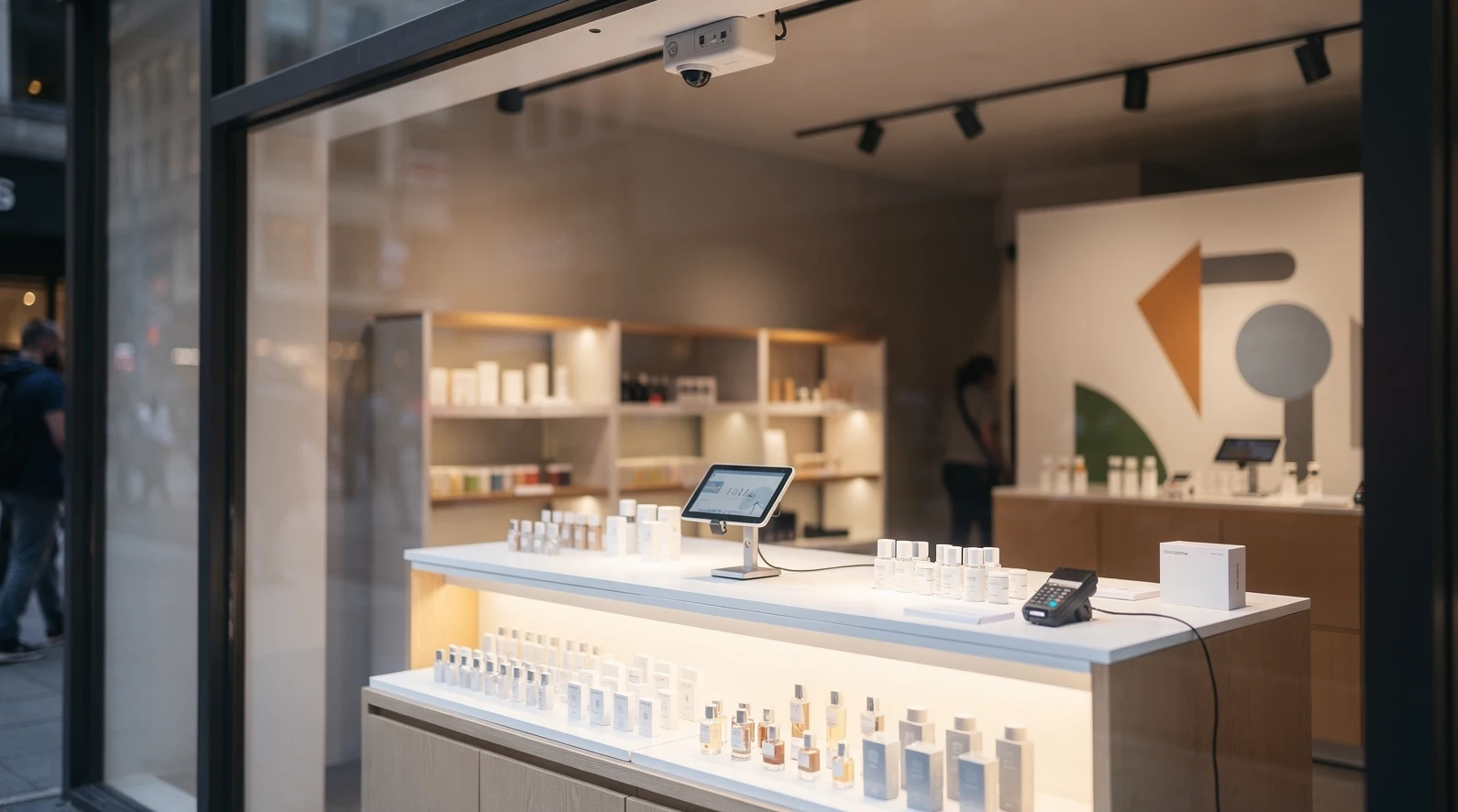
Pop-up retail stopped being a novelty years ago. In 2026 it is a planned channel with its own budget line, its own metrics, and, increasingly, its own software stack. The brands that run pop-ups well are not winging it with a folding table and a phone reader anymore. They are stitching together booking platforms, mobile point of sale, foot-traffic sensors, and experience-design vendors into something that behaves like a temporary flagship.
This guide maps that stack. It walks through what a pop-up and experience tool actually does, which vendors matter in 2026, what the whole thing costs in real dollars, and where teams most often waste money. It sits inside the retail cluster on ShopAppy and links out to the deeper how-to and benchmark pieces you will want alongside it. For the wider context on where physical retail is heading, see our overview of the state of retail.
In short
- Pop-up tooling is now a stack, not a single app. Booking, payments, analytics, and experience design each have specialist vendors, and the winners integrate them rather than buy one bloated suite.
- Mobile point of sale is the anchor. Everything else (inventory, customer capture, tax) tends to hang off whichever mobile POS you pick, so choose it first.
- Foot-traffic and dwell-time data separate serious operators from hobbyists. Sensors and Wi-Fi analytics turn a two-week activation into a repeatable playbook.
- Budgets cluster in three tiers. A lean weekend pop-up runs on a few hundred dollars of software, a branded month-long activation crosses into five figures once build-out is included.
- The most common failure is over-buying. Teams license annual platforms for a 30-day event, then never touch them again, which quietly wrecks the unit economics.
Why do pop-up and experience tools matter in 2026?
The short answer is that the format has scaled past what improvised setups can support. What used to be a marketing stunt is now a measurable retail channel, and channels that get measured get tooled. Direct-to-consumer brands in particular treat pop-ups as a way to test demand in a city before committing to a lease, and that testing only works if the data is clean.
Three shifts pushed tooling to the center. First, payment hardware got cheap and portable, so accepting cards, wallets, and tap-to-pay at a temporary counter is trivial. Second, landlords and mall operators now offer short-term “retail-as-a-service” slots, which created a booking layer that did not exist a decade ago. Third, brands finally started demanding the same analytics from a pop-up that they get from a website.
That last point is the real driver. A founder who can see conversion rate, average basket, and cost per visitor for a pop-up can compare it directly against paid social. When the numbers are legible, the format competes for budget on its own merits. Our piece on how D2C brands use pop-ups to test new cities shows how that comparison plays out in practice.
There is also a defensive reason. Foot traffic is scarce and expensive to earn, so operators want to capture every learning from a rare in-person moment. The tooling exists to make sure a pop-up is not just a good week of sales but a reusable template.
The macro backdrop reinforces all of this. With online customer acquisition costs still elevated in 2026, physical touchpoints have become a relatively efficient way to build brand and gather first-party data at the same time. A pop-up that captures consented emails and clean behavioral data is buying two assets at once, and the software is what turns that dual purchase into something the finance team can see.
What exactly counts as a pop-up and experience tool?
The category is broad, so it helps to break it into jobs to be done. A tool earns its place in the stack by owning one of five jobs: finding and booking space, transacting, capturing customers, measuring behavior, or building the physical experience. Most vendors specialize in one or two of these and integrate with the rest.
Space and booking platforms
These are the marketplaces and management tools that match brands with short-term retail space. They handle listings, contracts, insurance, and increasingly the logistics of turning a bare unit into a sellable store. Think of them as the Airbnb layer for retail square footage.
The value here is speed. A brand can go from “we want a store in Austin for June” to a signed short-term license in days rather than the months a traditional lease demands. That compression is what makes city-by-city testing viable at all.
Transaction and inventory tools
This is the mobile POS layer plus whatever inventory and tax software rides on top. It is the operational heart of the pop-up because it touches every sale. If the POS is weak, nothing downstream is reliable, which is why we treat it as the first decision, not the last. Our breakdown of mobile POS for pop-ups and small retailers goes deep on the numbers.
Customer capture and experience layers
These tools turn a visitor into a known contact and a memorable moment into content. They range from simple email-capture kiosks to full experiential builds with interactive screens, product customization stations, and photo moments engineered to travel on social. The experiential end of this shades into design and fabrication, which is a service as much as a tool.
How does a modern pop-up tech stack fit together?
The clean mental model is a spine with attachments. The spine is your mobile POS and payments. Everything else attaches to it: booking sits upstream, analytics sits alongside, and customer capture feeds your CRM downstream. When the spine is chosen well, integration is a matter of connecting accounts rather than rebuilding processes.
In practice, most 2026 stacks look like a small number of connected services. A brand books space through a marketplace, runs sales on a portable POS, drops a couple of foot-traffic sensors near the entrance, and pipes email sign-ups into the same list their website uses. That is four categories, often four vendors, and it is enough.
The integration burden is lighter than it sounds because the major POS platforms already speak to the major CRMs through native connectors. The genuine engineering effort, such as it is, tends to be reconciling foot-traffic data with sales data after the event. Teams that plan that reconciliation upfront, deciding how counts and transactions line up, avoid the scramble of trying to merge two exports by hand once the pop-up has closed.
The role of analytics in the stack
Analytics is where pop-ups grow up. Door counters and Wi-Fi or camera-based sensors tell you how many people passed, how many entered, and how long they stayed. Cross that with POS data and you get the two numbers that matter most: conversion rate and revenue per visitor.
Those numbers are what let you defend the channel internally. A pop-up that converts 8 percent of entrants at a healthy basket size is a different conversation than one that just “felt busy.” For the full set of ratios to track, our costs and revenue benchmarks for a 30-day pop-up lays out the reference figures.
Where experience design plugs in
Experience vendors sit at the front of the funnel. Their job is to make the space worth walking into and worth photographing once you are inside. In 2026 the strongest activations treat the physical build as content production, engineering specific moments for social sharing rather than decorating a room and hoping.
This is also the most expensive part of the stack and the least reusable, which is why disciplined teams separate it cleanly from the software budget. The trends worth copying here change fast, and we track them in our roundup of the 2026 experiential retail trends worth borrowing.
A useful discipline is to design the experience around the metric it is meant to move. If the goal is email capture, the standout moment should sit next to the sign-up station. If the goal is social reach, the photogenic build should be the first thing a visitor sees. Decorating for its own sake produces rooms that look good in a deck but move no numbers.
Which vendors are worth knowing in 2026?
Naming specific vendors is risky because the market moves, but the categories and the leading names in each are stable enough to plan around. The table below groups the vendors most US operators encounter, by the job they do. Treat it as a shortlist to evaluate, not a ranking.
| Job to be done | Representative vendors | What to check before you sign |
|---|---|---|
| Space and booking | Storefront, Appear Here, Go-Popup, local mall RaaS programs | Deposit and cancellation terms, insurance requirements, fit-out allowance |
| Mobile POS and payments | Square, Shopify POS, Clover, Lightspeed, SumUp | Per-transaction fee, hardware cost, offline mode, refund handling |
| Foot-traffic analytics | Density, RetailNext, Aislelabs, simple door counters | Sensor accuracy, privacy compliance, rental vs purchase |
| Customer capture and CRM | Klaviyo, Mailchimp, tablet sign-up apps | Consent capture, sync to your existing list, duplicate handling |
| Experience build and fabrication | Local fabrication studios, national activation agencies | Lead time, storage, reusability of fixtures |
How to read the vendor landscape
Two patterns matter more than any single brand name. The first is that the POS vendors are trying to absorb the neighboring jobs. Square and Shopify both want to own your inventory, your CRM, and your reporting, which is convenient but can lock you into their ecosystem.
The second pattern is that analytics and experience remain genuinely specialist. No POS vendor does sensor-grade foot-traffic counting well, and none of them fabricate physical builds. Those two categories are where you should expect to bring in a dedicated partner rather than stretching your POS to cover the gap.
For very local, community-anchored activations, the vendor mix skews smaller and cheaper, and we cover that specific case in our guide to tools and vendors for community commerce in 2026.
How much does the tooling actually cost?
Cost is where planning either holds together or falls apart. The mistake is treating software as the big number. In reality, payments processing and physical build-out dominate the budget, while the software subscriptions are often the smallest line. The table below shows typical US ranges for a month-long branded pop-up in 2026.
| Cost line | Lean weekend pop-up | Branded 30-day activation |
|---|---|---|
| Space (short-term license) | $500 to $2,000 | $8,000 to $40,000 |
| Mobile POS hardware | $0 to $300 | $300 to $1,200 |
| Payments processing (on sales) | 2.6% to 2.9% | 2.6% to 2.9% |
| Foot-traffic analytics | $0 to $150 | $300 to $1,500 |
| Customer capture and CRM | $0 to $60 | $60 to $400 |
| Experience build and fixtures | $200 to $1,500 | $5,000 to $60,000 |
| Staffing (not software) | $500 to $2,000 | $6,000 to $25,000 |
The pattern is clear once you see it laid out. Software and analytics rarely exceed a couple of thousand dollars even at the higher end, while space, build-out, and staff carry the budget. That is why obsessing over a 0.1 percent difference in processing fees is usually a distraction from the lines that actually move.
The subscription trap
Many vendors price on annual plans because that is how SaaS economics work. For a 30-day pop-up, an annual commitment can double or triple the effective cost of a tool you use for one month. Always ask for monthly or event-based pricing, and cancel the moment the activation ends.
The exception is any tool you also use for your permanent operations, such as your main CRM or your primary POS. Those are shared costs and should not be charged entirely to the pop-up. Allocating them fairly keeps your per-event math honest.
What are the most common mistakes teams make?
The failures are predictable, which is good news because they are avoidable. Most of them come from treating a pop-up like either a permanent store (too much tooling) or a garage sale (too little). The right posture is somewhere deliberately in between.
Over-buying software for a short event
This is the number one budget killer. A team licenses an enterprise analytics suite, a dedicated CRM, and a premium POS tier for an event that runs two weeks. The tools are fine; the commitment is wrong. Match the contract length to the event length, full stop.
Ignoring offline resilience
Pop-ups happen in basements, at festivals, and in half-finished units where connectivity is unreliable. A POS that cannot queue transactions offline will cost you sales during exactly the busy moments you set the pop-up up to capture. Test offline mode before the doors open, not after the first outage.
Skipping the data capture plan
If you do not decide in advance what you are measuring, you will measure nothing useful. Teams routinely finish a pop-up with a cash total and no idea of their conversion rate, dwell time, or email capture rate. Decide the three metrics you care about, and make sure a tool owns each one before launch.
Underestimating compliance and permits
Temporary retail still triggers sales tax, permitting, and sometimes local licensing, and the rules vary sharply by state and city. This catches out-of-state brands constantly. Our coverage of state-level retail laws that operators ignore at their peril is worth reading before you commit to a location, and it feeds directly into the vendor and permit choices below.
What does this look like in practice? Examples from US retail
Abstract advice only goes so far, so consider three composite patterns drawn from how US brands actually run these events in 2026. The details are generalized, but the structures are common enough to recognize.
The D2C city test
A digitally native apparel brand books a two-week unit in a mid-size US city through a short-term marketplace. The stack is deliberately thin: Shopify POS for transactions because it already runs their online store, a pair of door sensors, and Klaviyo for email capture synced to their existing list. The entire point is a clean read on whether the city justifies a longer lease, so measurement is the priority and the build is minimal.
Because the POS matches their web backend, inventory and customer data flow into one place automatically. That single decision, made first, is what keeps the whole event low-friction. It is the pattern our state of retail overview flags as the emerging default for online-first brands.
The flagship-style brand activation
A larger consumer brand runs a month-long, heavily designed space in a major market. Here the experience build dominates the budget, with a fabrication studio producing custom fixtures and an interactive product-customization station. The software stack is almost an afterthought by comparison, yet it is still what proves the event worked.
The analytics here do double duty. Foot-traffic counts justify the six-figure spend to the finance team, while dwell-time data tells the brand team which zones of the space earned attention. Without those numbers, the activation is a beautiful room with no scoreboard.
The local, community-anchored pop-up
A small maker takes a weekend slot at a local market or a vacant main-street unit. The stack is a phone-based reader, a tablet for email sign-ups, and nothing else. Total software cost is effectively zero beyond processing fees, and that is exactly right for the scale.
The lesson across all three is that the correct stack is a function of the goal and the budget, not a fixed checklist. Copying the flagship stack for a weekend market would be as wrong as running a flagship on a single phone reader.
How does pop-up tooling differ from permanent store tech?
It is tempting to assume a pop-up is just a small permanent store, but the constraints are different enough to change the tooling logic. Permanent stores optimize for the long run: they can amortize expensive hardware, train staff over months, and tolerate a slow rollout. A pop-up has none of that room, so its tools are judged on speed to set up and speed to tear down.
That difference shows up in three places. Contracts should be short or event-based rather than annual. Hardware should favor portability and rental over owned, depreciating kit. And onboarding has to be fast enough that seasonal or borrowed staff can run the counter after minutes of training, not days.
Why permanent-store instincts backfire
Retail veterans who move into pop-ups often bring habits that quietly hurt them. They negotiate annual software deals, buy fixtures they will store and never reuse, and choose enterprise tools whose complexity outlasts the event. Each instinct is correct for a flagship and wrong for a two-week activation.
The reverse mistake is just as common among digital-first teams: assuming a pop-up needs almost no tooling because the website handles everything. It does not, because in-person foot traffic and offline resilience are problems the website never had to solve. The healthy middle treats the pop-up as its own discipline with borrowed parts.
How do you choose and roll out a stack?
Work backward from the decision the pop-up is meant to inform. If the goal is a lease decision, prioritize clean analytics and a POS that matches your permanent systems. If the goal is brand awareness, weight the budget toward experience and treat software as plumbing.
A reliable sequence keeps teams out of trouble. Pick the POS first because everything hangs off it. Then book the space, add the smallest analytics setup that captures your three key metrics, connect customer capture to your existing CRM, and only then decide how much experience build the budget can bear.
A starter stack that works for most teams
For a typical US brand running a 2 to 4 week pop-up, a defensible default looks like this. Use a mobile POS you already run online, rent rather than buy foot-traffic sensors, sync email capture to your main list, and keep the physical build modular so fixtures can be reused. That combination covers all five jobs without over-committing on any of them.
Reference data helps you set targets before you open. The US Census Bureau publishes retail sales figures that provide useful baselines for category demand, available via the US Census Bureau retail data. For broad market sizing on retail technology and experiential spend, the aggregated dashboards at Statista are a reasonable starting point.
Finally, treat every pop-up as an input to the next one. The stack exists to produce a repeatable playbook, so document what each tool told you and feed that into your pop-up benchmarks the next time around. The brands that win at this format are the ones that run the tenth pop-up on lessons from the first nine.
Frequently asked questions
Do I need a dedicated pop-up software suite, or can I use my existing tools?
For most teams, existing tools plus one or two specialists are enough. If you already run an online store on a platform with mobile POS, use that as your spine and add only foot-traffic analytics and, if the event is large, an experience partner. A single all-in-one pop-up suite is rarely worth the lock-in for a short event.
What is the single most important tool to get right?
The mobile POS. It touches every transaction and most of your data flows through it, so a weak choice undermines everything downstream. Pick it first, ideally matching whatever runs your permanent or online operations so inventory and customer data stay unified.
How much should software cost for a 30-day pop-up?
Usually far less than teams expect, often a few hundred to a couple of thousand dollars including analytics. Space, build-out, and staffing dominate the budget, while software subscriptions are typically the smallest line once you avoid annual commitments for a monthly event.
Are foot-traffic sensors worth it for a small pop-up?
For a weekend maker market, a simple door counter or manual tally is fine. For anything you want to measure seriously or repeat, rented sensors that report conversion and dwell time pay for themselves by making the channel comparable to your paid media.
Should I buy or rent hardware and fixtures?
Rent analytics hardware unless you run pop-ups constantly, since sensors date quickly. For fixtures, design them to be modular and reusable across events, which spreads the build cost over several activations rather than writing it off after one.
What compliance issues catch pop-up operators most often?
Sales tax registration, temporary business permits, and local licensing, all of which vary by state and city. Out-of-state brands are especially exposed. Confirm the requirements for your specific location before booking, because a shutdown mid-event is far more expensive than the permit.
How do I measure whether a pop-up actually worked?
Decide on three metrics before launch, typically conversion rate, revenue per visitor, and email capture rate, and make sure a tool owns each. A cash total alone tells you almost nothing about repeatability. Compare those figures against your other channels to judge the format on equal terms.
Can one vendor cover the whole stack in 2026?
Partly. POS vendors increasingly bundle inventory, CRM, and reporting, so they can cover three of the five jobs. But sensor-grade foot-traffic analytics and physical experience build remain specialist, so plan to bring in dedicated partners for those two rather than expecting one platform to do everything well.